Images
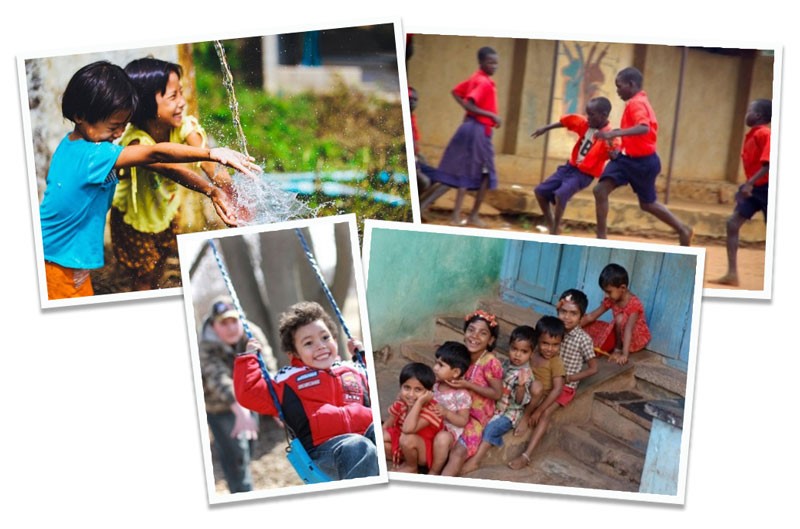
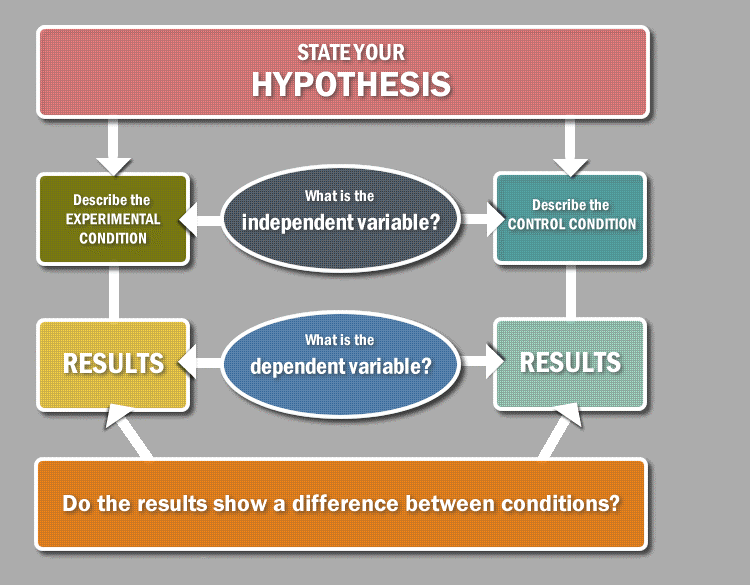
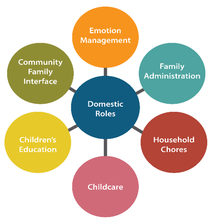
I love graphics!! When I see a powerful image connected to a text, it has an impact on me as a learner. In my courses I try to use various images to help students learn. Below are examples of graphic organizers, pictures (collages), maps, and charts (infographics).
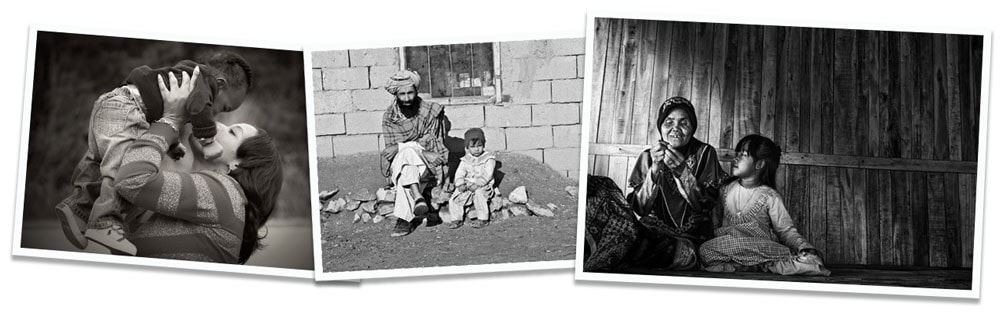
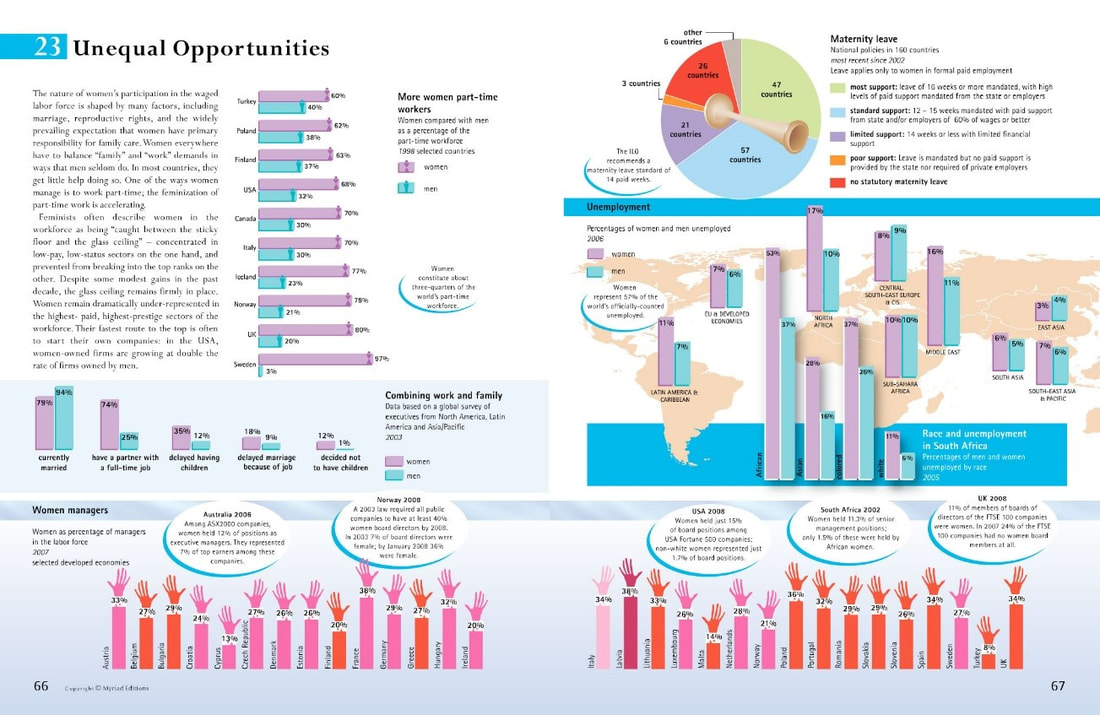
Image from The Penguin Atlas of Women in the World by Joni Seager.
|
|
So why should we use images in our courses?
Consider the images used in this website. Do they grab your attention? Make you reflect on prior learning experiences? Pique your interest? Here are some other key reasons to use visuals in your teaching/learning:
Consider the images used in this website. Do they grab your attention? Make you reflect on prior learning experiences? Pique your interest? Here are some other key reasons to use visuals in your teaching/learning:

|
|
|
Finding Images for Your Course
So, where do we start when trying to find an image to use in a lesson? There are several great search engines and websites to use and I've listed some of my favourites below. In particular, try to find free and open images - ones that have a Creative Commons licence.
What image should I use?
If you're not quite sure what image you're looking for, or need some inspiration, here are some excellent resources from Alan Levine's site:
Where can I use images?
Reflect on your teaching & learning practices. In what ways would visuals benefit you as an instructor or student?
Don't forget to give attribution!!
Attribution Tools
If you're not quite sure what image you're looking for, or need some inspiration, here are some excellent resources from Alan Levine's site:
- Finding Media (images, audio, video, etc.): http://50ways.wikispaces.com/StoryMedia
- Finding Flickr Photos: http://50ways.wikispaces.com/Finding+Flickr+Photos
- My Image Seek: https://cogdog.makes.org/thimble/LTEzODAzODQ3Njg=/image-seek
- Photo Tips: http://cogdogblog.com/photo/
- Image Q Bonus Tools: http://cogdog.wikispaces.com/Image+Q+Bonus+Tools
Where can I use images?
Reflect on your teaching & learning practices. In what ways would visuals benefit you as an instructor or student?
- Lectures / Presentations
- Learning Activities
- Course Materials
- Assignments
- Study aids
Don't forget to give attribution!!
Attribution Tools
- Open Attribute works for all creative commons licensed content http://openattribute.com/
- Open Attribution Helper (Open Washington) http://www.openwa.org/open-attrib-builder/
- Flickr CC Attribution Helper (by Alan Levine) http://cogdog.github.io/flickr-cc-helper/
- Flicks Search and Stamp (by John Johnston) http://johnjohnston.info/flickrCC/
- Photos For Class (library of image with attribution added to image) http://www.photosforclass.com/